
Microsoft 365 Copilot: A Key Tool for Business Growth
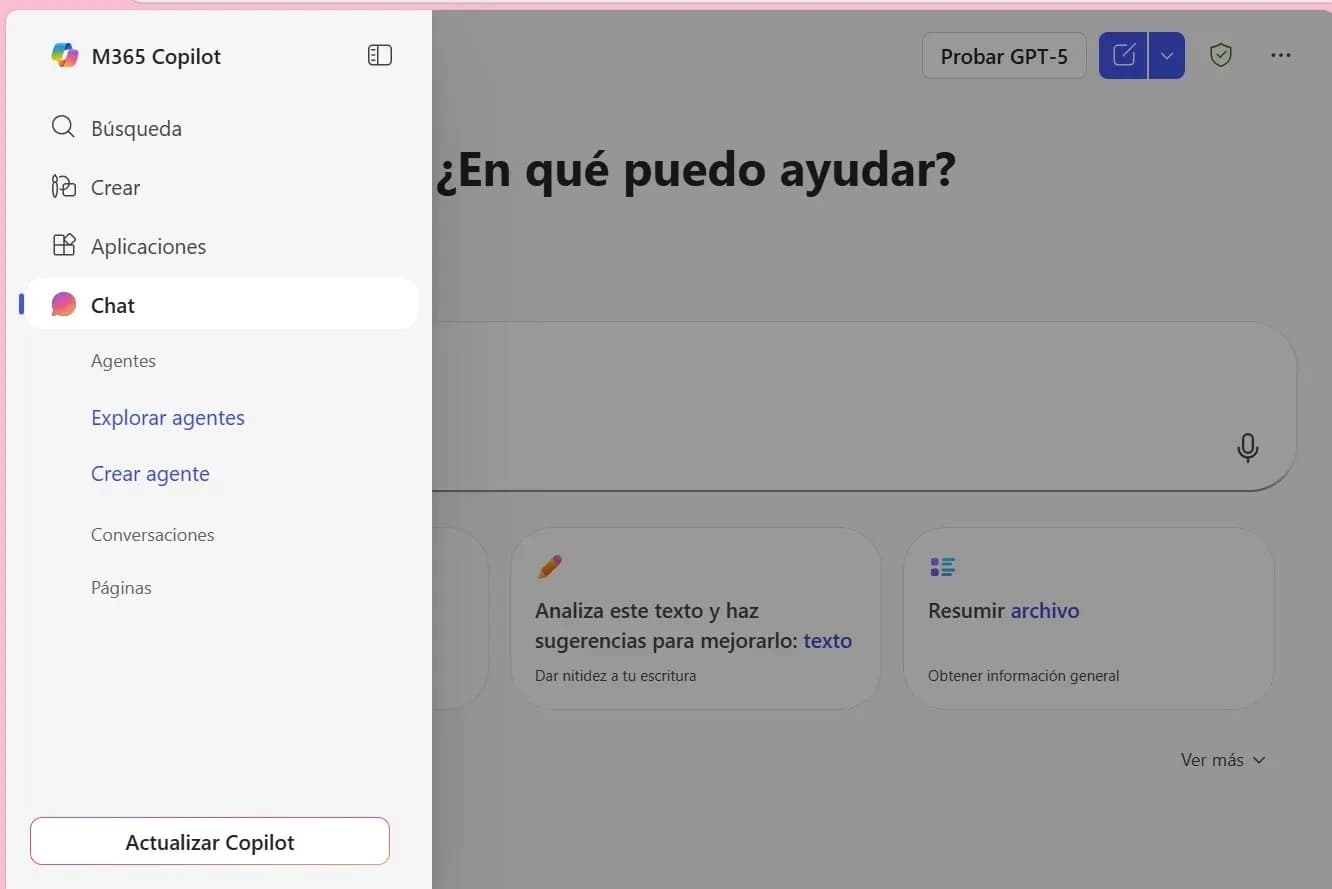
Microsoft 365 Copilot is a solution designed for all types of companies seeking to transform productivity into operational intelligence. Unlike other AI solutions, Copilot is integrated into the Microsoft 365 ecosystem. Thanks to this, it can work with real data—always with security, context, and traceability.
Microsoft 365 Copilot delivers key benefits for businesses of all sizes, especially in three strategic areas:
- Reasoning over business data. With the help of Microsoft Graph, Copilot accesses relevant information in real time. This allows leadership teams to make agile and accurate decisions based on updated and contextualized data, without relying on external tools.
- High security. Copilot inherits Microsoft 365’s security policies. For example, it operates within regulatory frameworks such as GDPR, ISO 27001, or SOC 2, ensuring the protection of sensitive data and regulatory compliance.
- Scalability and control. Organizations can enable Microsoft 365 Copilot by roles or departments, monitor its usage through dashboards, and integrate it with Microsoft Entra ID and Purview. This enables the creation of personalized agents tailored to the specific needs of each business area.
The Financial Impact of Microsoft 365 Copilot on Businesses
Microsoft 365 Copilot not only improves operational productivity—it also generates measurable financial impact. According to a Forrester study, small and medium-sized businesses (SMBs) that adopted this solution achieved a projected return on investment (ROI) between 132% and 353% over three years. Key benefits observed include:
- 6% increase in net revenue
- 20% reduction in operational costs
- 25% faster onboarding of new employees
- Up to 20% less time to launch new products
This study was based on interviews with 12 representatives from seven SMBs experienced in using Microsoft 365 Copilot, along with surveys of 266 decision-makers already investing in generative AI solutions.
In large organizations, the impact is even more significant. Microsoft 365 Copilot adapts to complex environments with thousands of users, where efficiency and governance are critical. Key benefits include:
- Scalable productivity. Multidisciplinary teams can generate documents, emails, and presentations in minutes, resulting in significant cost savings.
- Data-driven decisions. Copilot analyzes large volumes of information in real time, detecting patterns and offering actionable insights for leadership teams. This accelerates strategic decision-making and reduces reliance on external tools.
- Intelligent automation. Thanks to Power Platform, organizations can create low-code/no-code solutions that automate repetitive tasks, freeing up time for high-value initiatives.
- Security and regulatory compliance. By operating within the Microsoft 365 ecosystem, Copilot ensures the protection of sensitive data and compliance with regulations such as GDPR, ISO 27001, or SOC 2—even in highly regulated environments.
Latest Updates to Microsoft 365 Copilot: Copilot Chat and Agent Mode and Office Agent
Copilot 365 has begun integrating Copilot Chat into the main applications within the Microsoft 365 environment, such as Word, Excel, and PowerPoint. This allows users to interact with AI directly from each application, without needing to switch environments.
Using natural language, users can:
- Draft, edit, summarize, or transform content.
- Reference other files.
- Upload images as part of the context.
- Receive longer and more accurate responses, powered by GPT-5.
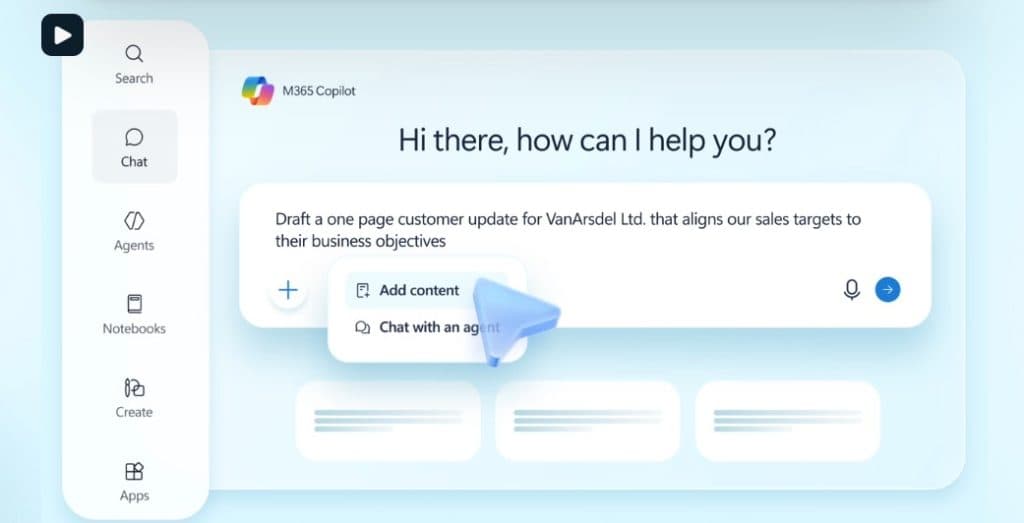
Furthermore, users with advanced licences can access specialised agents, such as Researcher and Analyst, designed for complex analysis, documentation and decision-making tasks.
One of the most significant innovations is the introduction of Agent Mode and the Office Agent, which represent a paradigm shift: from passive automation to active collaboration with AI.
- Agent Mode in Excel enables financial analysis, generation of complex formulas, and data visualization, explaining each step as a human expert would.
- Office Agent allows users to create documents and presentations directly from Copilot’s chat, without needing to open Word or PowerPoint, streamlining the workflow.
These features turn Copilot into a collaborative assistant, capable of adapting to the user’s needs in real time, validating each step, and offering a more dynamic, precise, and contextualized experience.

Conclusions
The adoption of Microsoft 365 Copilot represents a firm step towards intelligent and sustainable digital transformation. By integrating generative AI directly into the productivity tools that teams already use—such as Word, Excel, Outlook, and Teams—organisations not only optimise their processes. They also empower their professionals to work more efficiently, autonomously, and creatively.
Copilot is not an isolated solution, but a key part of the Microsoft 365 ecosystem. It enables data-driven decision-making, automates strategic tasks and ensures regulatory compliance in complex environments.
At Itequia, we are specialists in Microsoft 365. We can support you with our comprehensive adoption and migration service that will successfully adapt to your business objectives. Contact us and explain your case, we will help you achieve your goals.